Information at hand in the warehouse, in shipping and during stock counts.
Manage goods receipt, stock counts, warehouse transfers and shipments from where the work is done. With Techsoft Mobile Handheld Terminal Applications you can scan product barcodes, record quantities and reach the stock information you need.
Our solutions for handheld terminals and tablets make warehouse staff's daily work easier and help keep records in order. An ERP link supports running warehouse movements together with your other business processes.
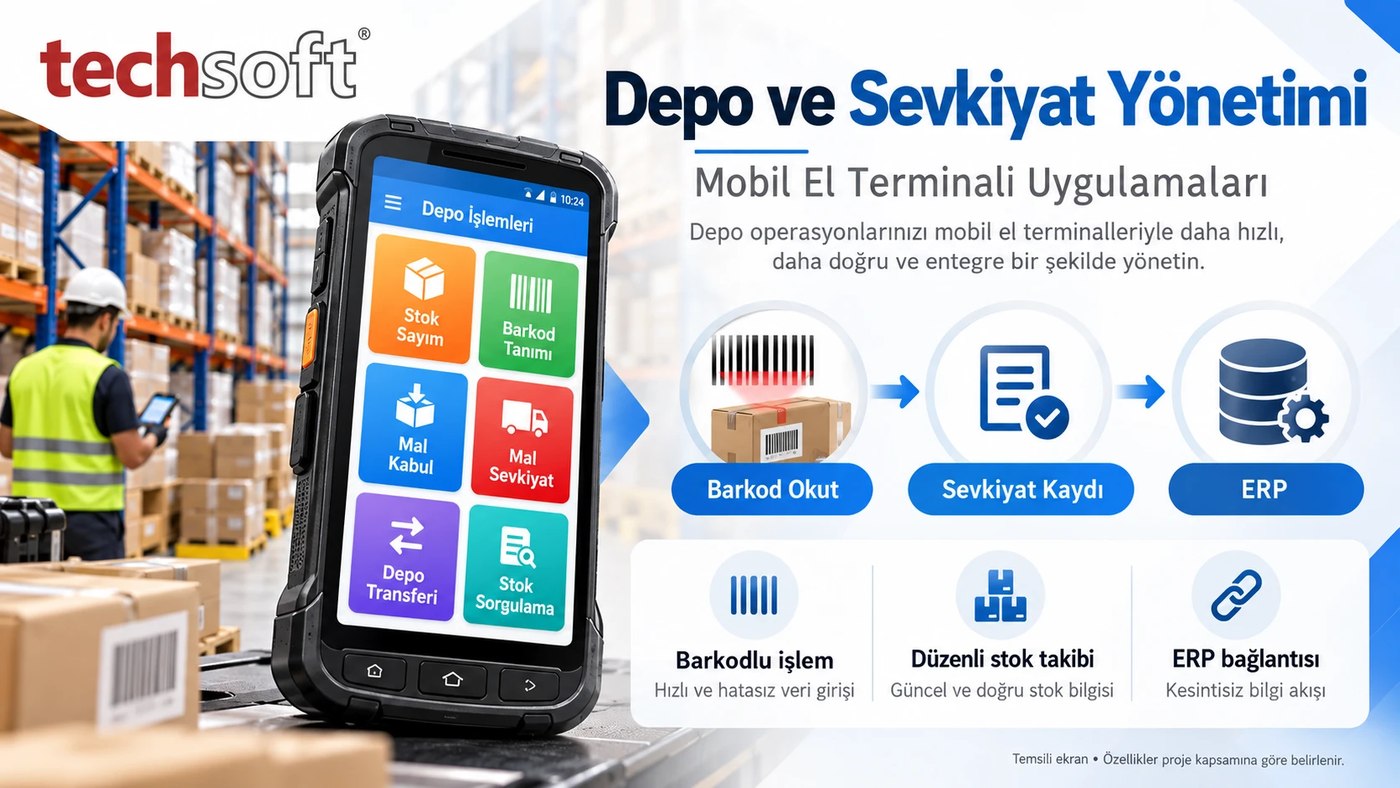
Key features
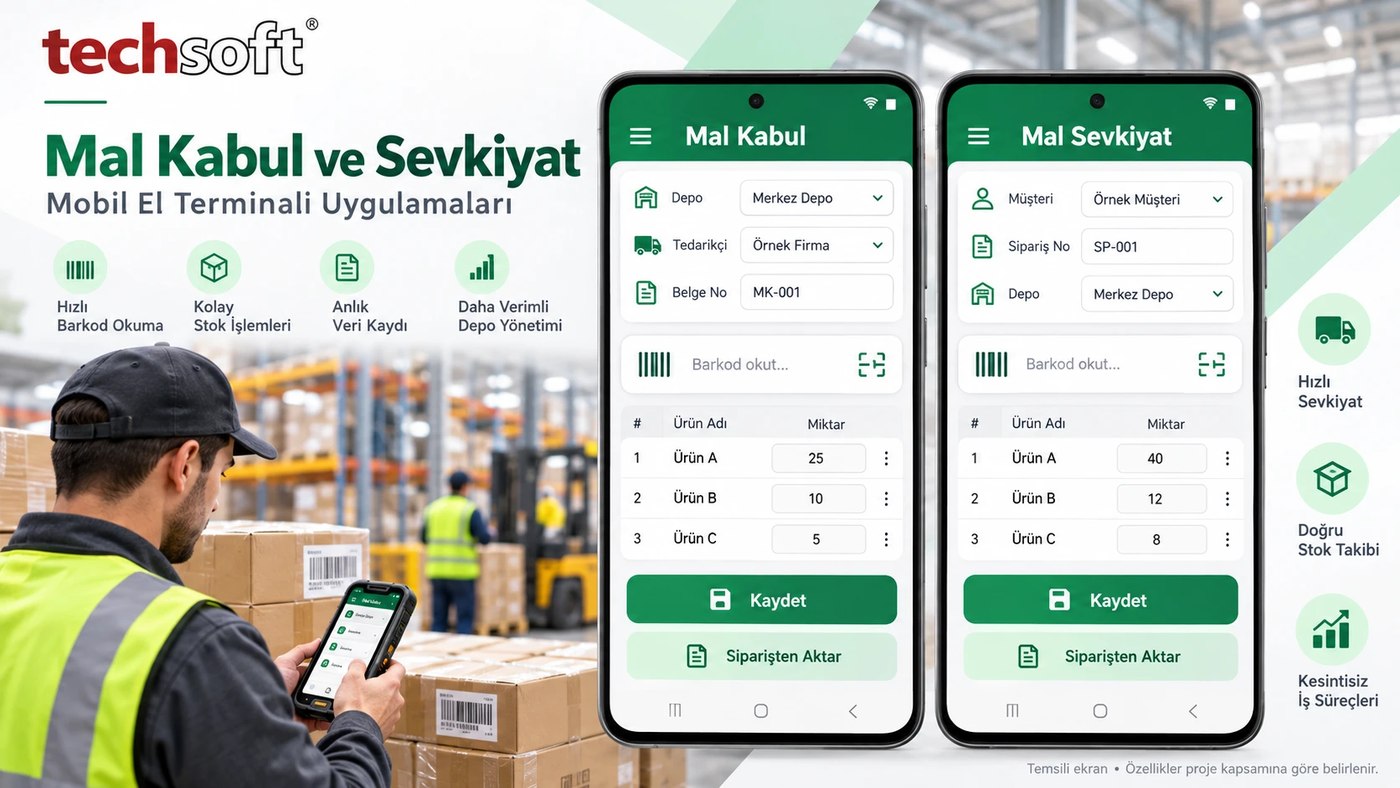
Barcode transactions, easier tracking
Reach the product by scanning its barcode instead of typing codes one by one. Choose the transaction type, check the quantity and create your record.
Benefit: Helps reduce manual entry and retyping, and lowers the risk of selecting the wrong product.
Goods receipt and warehouse entry
When receiving products, scan their barcodes, enter quantities and record their entry into the relevant warehouse. Depending on project scope, you can transfer lines from purchase orders and compare incoming products with expected details.
Benefit: Goods receipt runs in a more orderly way, and you can track which warehouse and which document products were received with.
Shipments with or without orders
Select products to send to customers by barcode, check quantities and prepare the shipment list. Record order-based issues or authorised shipments without an order. Waybill and invoice processes can be supported within the existing ERP link and the defined workflow.
Benefit: Makes shipment preparation easier and helps reduce the risk of missing or wrong products being sent.
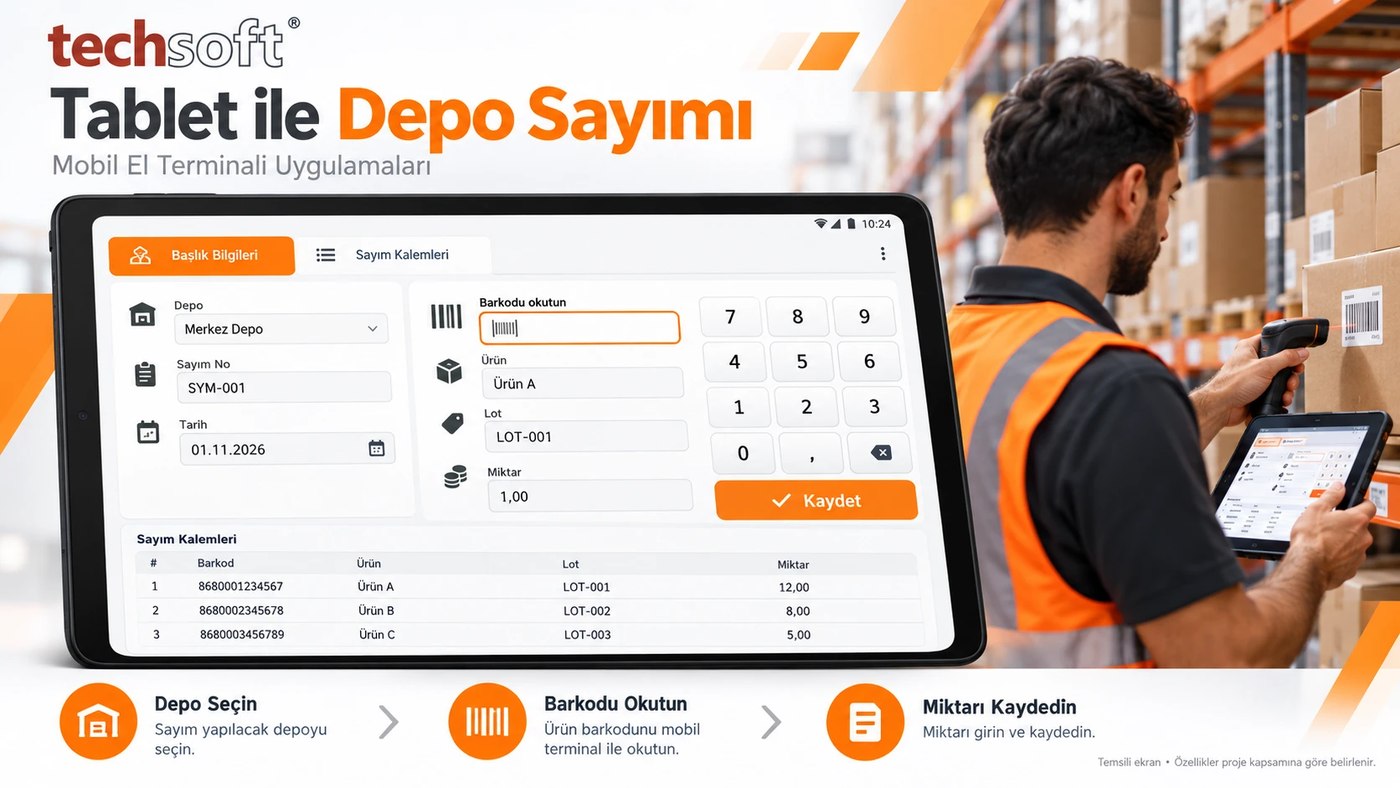
Stock count
Set the warehouse to count, scan products by barcode and record counted quantities. List the results and compare them with stock in the system.
Benefit: Reduces the need to transfer data from paper to computer and makes stock differences easier to review.
Counting on a tablet
For work that needs a larger screen, select the warehouse, search for products, enter barcodes and record quantities on a tablet. Review count lines on one screen with touch-friendly fields.
Benefit: Lets you view product details and records more comfortably during a count.
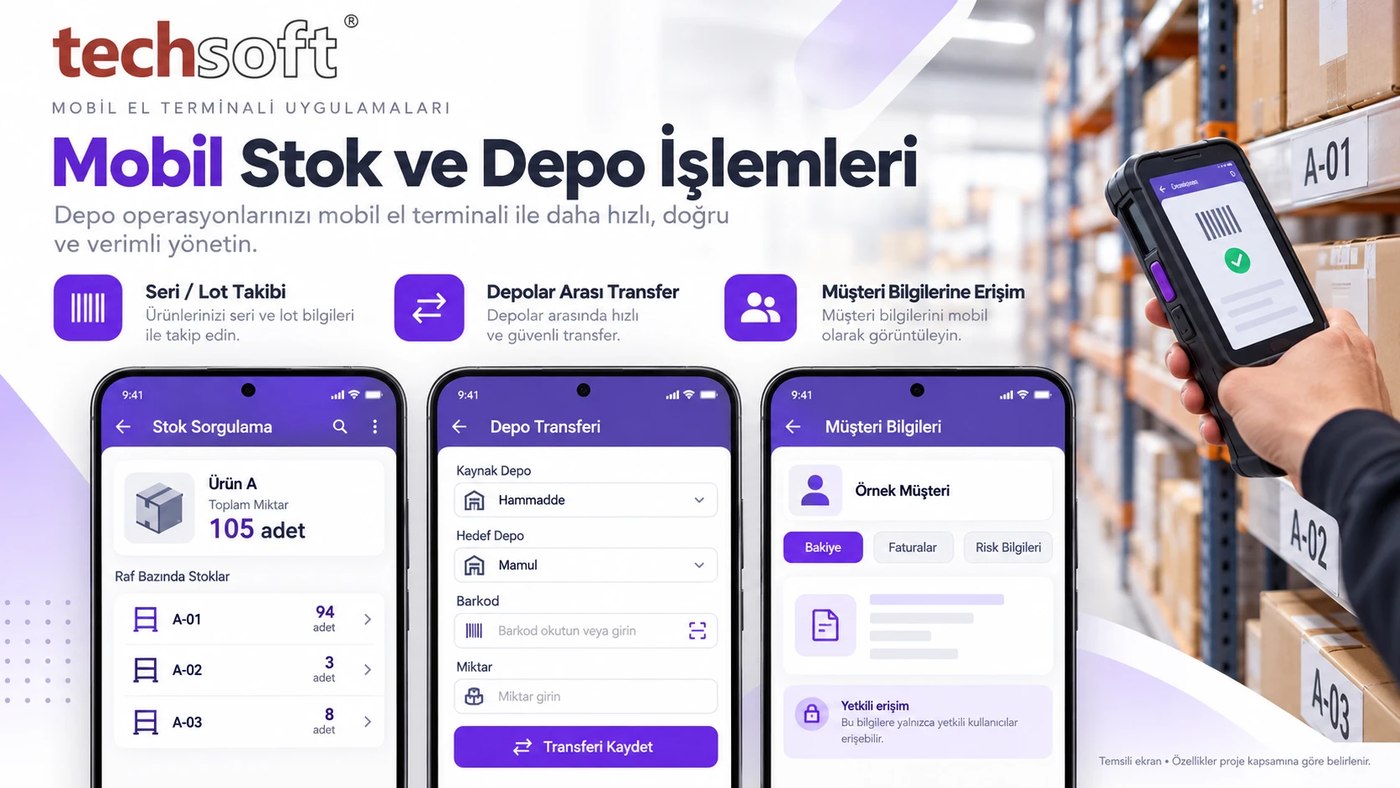
Transfers between warehouses
Select the source and destination warehouses. Create a transfer record by entering the barcode, quantity and, if needed, batch details.
Benefit: Makes it easier to track movements between raw material, semi-finished and finished goods warehouses.
Stock and shelf lookup
Scan a product's barcode to view its recorded stock quantity and shelves. Review the quantities of the same product at different locations together.
Benefit: Helps reduce time spent looking for products and makes picking and shipment preparation easier.
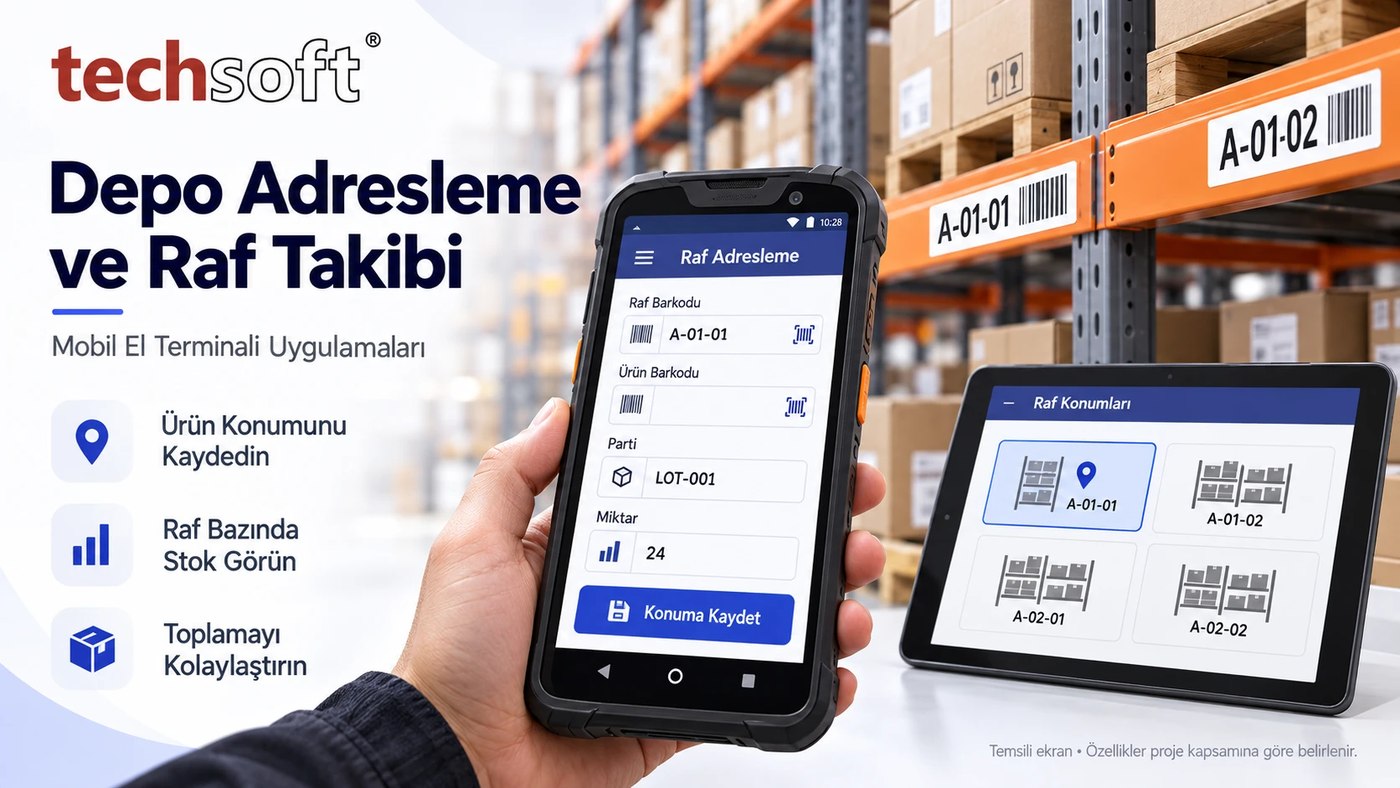
Warehouse addressing and location tracking
Record where products are by warehouse, aisle, shelf and bin. Match the product barcode with the shelf barcode to track which material is where.
Benefit: Supports warehouse organisation and makes putting away and finding products easier.
Serial, lot and batch tracking
For products that need it, link serial number, lot or batch details to entry, transfer and issue records.
Benefit: Makes it easier to reach the movements and past records of a specific product group.
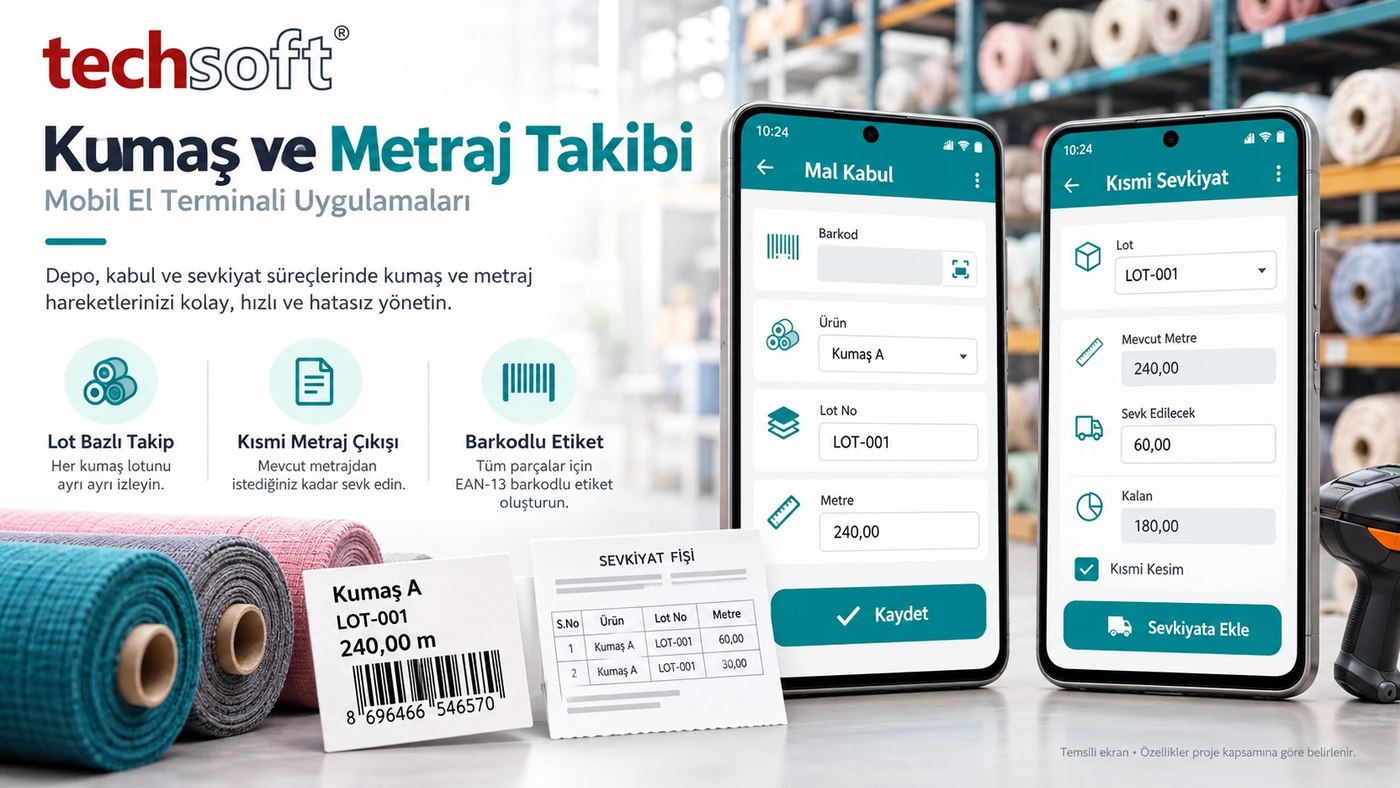
Fabric and metre management
Track fabric rolls with product, lot and metre details. When shipping all or part of a roll, record the metres issued and remaining. For example, when 60 metres are shipped from a roll recorded as 240 metres, the remaining 180 metres can be tracked under the related lot.
Benefit: Makes metre tracking easier for partial cutting and shipments.
Barcode labels and document printouts
Prepare barcode labels to identify your products. Depending on the transaction, show product, lot, quantity and metre details on the label or shipment slip.
Benefit: Makes products easier to identify and related records easier to reach in later transactions.
Authorised access to customer information
Through the ERP link, authorised users can view customer balances, invoice history and defined risk information on a mobile device.
Benefit: Helps relevant employees reach the information they need during customer transactions.
What does it bring to your business?
Recording where the work is done
Transactions can be recorded in the warehouse and in the field.
Less repeated data entry
The need to rewrite information in different places can be reduced.
Orderly stock movements
Goods receipt, transfer, count and shipment records can be tracked together.
Easy product finding
Shelf and location details make products easier to reach.
Traceability
Past transactions can be reviewed through product, lot and document links.
Information sharing between teams
Warehouse, sales and accounting processes can be supported through the ERP link.
Simple to use, and right for your business
Your employee signs in with their authorised account and selects the transaction type and warehouse. They scan the product barcode, check the required quantity and lot details and save. Information is transferred to the relevant system according to the defined connection and approval arrangement.
Handheld terminal, tablet, barcode reader and label printer options are assessed according to your existing infrastructure. The features to be used, device compatibility and data transfer method are set within the project scope.
Make your warehouse work easier and track product movements in an orderly way.
Contact Techsoft to assess the right mobile handheld terminal solution for your business and to request a demo.